
Let’s be honest about how vulnerability data usually reaches a compliance program. Someone runs a scan. Someone exports a PDF. Someone renames that PDF to something like vuln_scan_FINAL_v3_actualfinal.pdf, drops it in a folder, and promises to map it to controls “later.” Later rarely arrives on schedule.
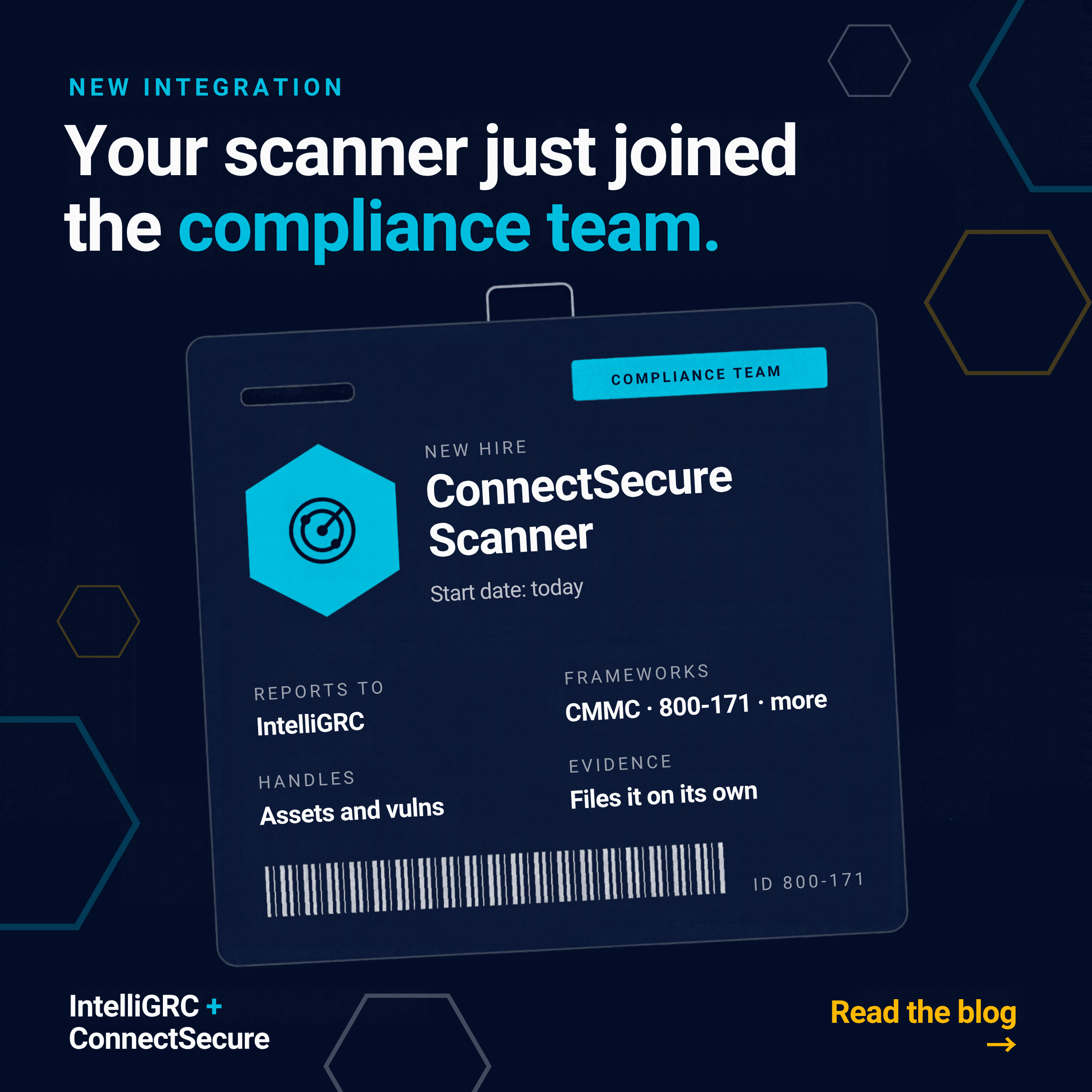
The IntelliGRC integration with ConnectSecure retires that ritual. Your scanner now feeds assets, vulnerabilities, benchmark results, and evidence straight into the place where you actually manage compliance. Whether you are working toward CMMC, tightening up against NIST 800-171, ISO 27001, NIST CSF 2.0, or HIPAA, the data shows up already connected to the work it supports.
Here is what that looks like in practice.
An asset inventory that keeps itself current
Every framework eventually asks the same question: what exactly are you protecting? ConnectSecure already knows a lot of the answer, so IntelliGRC simply asks it.
The integration brings devices, Active Directory and Entra ID users, and directory groups into IntelliGRC Assets, then keeps those entries updated on every sync. It adds and updates, but never deletes, so nothing quietly vanishes from your inventory because a laptop napped through a scan.
The result is a living asset list that supports scoping, boundary work, and personnel tracking without anyone retyping hostnames into a spreadsheet at 4:45 on a Friday.
Vulnerability management with a story you can tell an assessor
Finding vulnerabilities is the easy part. Proving you manage them over time is where programs earn their keep. The integration brings ConnectSecure findings into IntelliGRC and wraps them in the context an auditor will ask about:
- Remediation timelines that match your policy. Set SLAs that fit your organization, and every finding shows whether it is on track, due soon, or overdue.
- Trends over time. Charts show total vulnerabilities, remediation status, and severity across scans, so “are we getting better?” has a visual answer.
- Compare Scans. Pick any two scans and see what is new, what got fixed, and what stubbornly stayed put.
- Honest handling of messy scans. Flag a scan as incomplete or roll back to an earlier state, with the reason captured in an audit trail. Historical records stay intact.
- Documented risk decisions. Dismiss a finding as a false positive, accepted risk, compensating control, and more, with a required reason. Or snooze it until a set date, after which it comes back automatically. No more “we decided that in a meeting once.”
Findings also appear right on the affected device in Assets, and a PDF progress report pulls remediation status, scan history, fixed items, and the audit trail into one artifact. It is the kind of document that makes a continuous monitoring conversation pleasantly short.
Benchmarks that land where the controls live
ConnectSecure evaluates systems against compliance checks for CIS, NIST 800-171, ISO 27001, NIST CSF 2.0, and HIPAA. Turn on the frameworks you care about, and those results flow into IntelliGRC Benchmarks with pass, fail, and ignored counts for it’s rules.
The real magic happens in Gap Analysis. Benchmark results and vulnerabilities tied to a control show up directly in the Reference Content of that control’s assessment objectives. So, when you open a control to judge whether it is met, the technical evidence is already sitting there waiting for you, instead of hiding in a separate console behind a separate login.
That changes the conversation from “I think we have this covered” to “here is what the scanner saw last Tuesday.” Considerably more persuasive.
Evidence that shows up on its own
Evidence collection is where good intentions go to get stale. This integration generates evidence artifacts automatically on each sync and files them in your Evidence library, either in a dedicated ConnectSecure folder or wherever your team prefers. You can keep a fresh file every run for a historical record, or replace the previous version so the folder always holds the latest.
The standard reports cover the big picture:
- Executive Summary for leadership and management review
- Vulnerability Report with CVEs, severity, affected devices, and remediation guidance
- NIST 800-171 Compliance Report with control status and evidence quality
Then come the configuration artifacts, which answer the specific questions assessors love to ask:
| Artifact | What it shows |
| Malware & Ransomware Protection | Antivirus and EDR state, definition freshness, anti-ransomware evidence per device |
| Host Firewall Status | Firewall state for each asset |
| Remote Access Hardening | SSH and remote access settings like root login, empty passwords, and forwarding |
| Protocol & Service Hardening | Legacy protocol posture including SMBv1, NTLMv1, LLMNR, TLS versions, and PowerShell 2.0 |
| Network Exposure | Insecure listening ports and network findings per asset |
| Patching & OS Lifecycle | OS support and end-of-life status, auto-update state, installed patches |
| Backup & Recovery | Backup software presence per asset |
| Account Security & Logon Activity | MFA coverage, stale accounts, lockouts, failed logons |
| Privileged Access | Security group inventory plus a full member roster |
That is a lot of “can you show me?” handled before anyone asks. Custom file naming means the folder stays tidy too, so your future self will not have to decode a mystery filename.
Action plans that open and close themselves
A failing benchmark is only useful if someone actually fixes it. With the Action Plan integration enabled, IntelliGRC creates a parent task for ConnectSecure and a sub-task for each failing benchmark or vulnerability, tied to the evaluation you choose and assigned to the people you pick.
When an issue gets resolved, its sub-task moves to Ready for Review on its own. Your remediation tracker stays in step with reality, and your POA&M or corrective action conversations start from current data instead of last quarter’s guesswork.
Who gets the most out of it
- MSPs and MSSPs already running ConnectSecure for clients can turn scan data into client-ready compliance evidence, with a separate connection per client company to keep everything cleanly scoped.
- Internal IT and security teams get one place to see assets, vulnerabilities, and control status together, instead of toggling between tabs and hoping the numbers agree.
- vCISOs and consultants walk into board meetings and assessment prep with executive summaries, trend charts, and documented risk decisions already in hand.
The bottom line
Compliance should not depend on someone remembering to export a report. With ConnectSecure and IntelliGRC working together, your scanner keeps doing what it does best, and your GRC program finally gets to use every bit of it, continuously, across every framework you are chasing. If you are already using ConnectSecure, the integration is ready for you in IntelliGRC today. If you are not, this might be a good excuse to have that conversation